How to Mod Stardew Valley: The Ultimate Guide to Customizing Your Farming Paradise 🚜
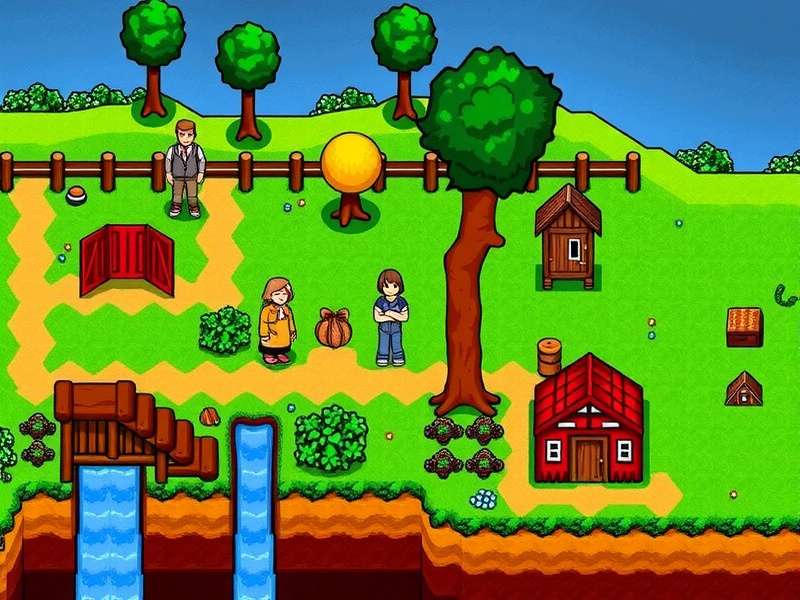
Welcome, farmers! Ever felt like your Stardew Valley experience could use a little more... you? Maybe you want new crops, deeper storylines, or even an entirely new map to explore. That's where modding comes in. This comprehensive guide will walk you through everything you need to know about modding Stardew Valley, from the absolute basics to advanced customization techniques. Whether you're a complete newbie or a seasoned modder looking to troubleshoot, you're in the right place.
⚠️ Pro Tip: Before you begin, always back up your save files! They're typically located in %AppData%\StardewValley\Saves on Windows. A simple copy-paste can save you hundreds of hours of progress.
Chapter 1: The Foundation – Understanding SMAPI
SMAPI (Stardew Modding API) is the beating heart of the Stardew Valley modding community. Think of it as a bridge that allows custom code (mods) to communicate safely with the game. Without it, most mods simply won't work.
1.1 Downloading and Installing SMAPI
The first step on your modding journey is getting SMAPI installed correctly. Head to the official stardew valley smapi download page for the latest version. The installation process is straightforward with an automated installer, but manual installation is also an option for advanced users.
- Download the SMAPI installer for your operating system (Windows, macOS, or Linux).
- Run the installer and follow the on-screen prompts. It will automatically detect your Stardew Valley folder.
- The installer creates a new launch file (usually
StardewModdingAPI.exe). Always launch the game using this file from now on to load your mods.
🎮 For Android Users: Yes, you can mod on mobile! The process is different but achievable. Check our specialized guide on stardew valley smapi android for detailed, step-by-step instructions tailored to mobile devices.
1.2 Troubleshooting Common SMAPI Issues
Even with a smooth install, you might hit a snag. A common headache is when stardew valley smapi not working as expected. This can often be due to outdated mods, incorrect installation paths, or game updates. The SMAPI console (which opens when you launch the game) is your best friend here—it logs every error in red text, pointing you directly to the problem mod.
Regular updates are crucial. When ConcernedApe releases a new stardew valley update 2025, SMAPI and most major mods need time to catch up. Always check for a corresponding smapi update and update your key mods before launching a newly updated game.
Chapter 2: Your First Mods – A Curated Starter Pack
Diving into Nexus Mods can be overwhelming with thousands of options. Here’s a beginner-friendly list to enhance your game without overwhelming it.
UI Info Suite 2
Displays vital info on-screen: luck, daily luck, range of scarecrows/bee houses, and more. A pure quality-of-life essential.
Lookup Anything
Press F1 over anything in the game—a crop, an NPC, a piece of furniture—to see its full details and mechanics. Invaluable.
Automate
Place a chest next to a furnace and kiln, put ore and coal in the chest, and watch as the machines automatically process them. Magical.
Installation is simple: download the mod (usually a .zip file), extract it into your Mods folder (created by SMAPI), and launch the game via SMAPI. The console will confirm if the mod loaded successfully.
Chapter 3: Expanding the Universe – Major Content Mods
Once you're comfortable, it's time to transform the valley itself. The king of content mods is undoubtedly Stardew Valley Expanded (SVE).
3.1 The Marvel of Stardew Valley Expanded
SVE isn't just a mod; it's a massive expansion. It adds new areas like the sprawling stardew valley expanded grampleton fields, over 20 new NPCs with heart events, and hundreds of new items. It seamlessly integrates with the vanilla game, feeling like an official DLC. For a full breakdown of its new challenges, consult the stardew valley expanded wiki bundles guide.
Planning an stardew valley expanded playthrough? Allocate more time. The world is significantly larger, and the narrative is deeper. It’s a fresh experience even for veteran farmers.
3.2 Multiplayer and Modding
Want to share your modded paradise? Stardew valley coop modding is possible but requires coordination. All players must have the exact same mods installed. Content mods like SVE work in multiplayer, but every farmhand needs the mod files. Use a tool like "SMAPI for Multiplayer" to help sync mod lists.
Chapter 4: Deep Dive – Advanced Modding Techniques
4.1 Mod Configuration and Compatibility
Many mods come with configuration files (config.json). You can edit these with a text editor to tweak mod behavior—changing spawn rates, toggling features, etc. Tools like "Generic Mod Config Menu" provide an in-game UI for this, which is much more convenient.
🚨 Conflict Alert: Mods that edit the same game assets (like two mods that change the farmhouse interior) will conflict. Read mod descriptions carefully for compatibility notes. Load order matters, and some mods require specific frameworks like "Content Patcher" or "Json Assets".
4.2 Finding Specific NPCs and Features
Lost someone in your expanded world? For instance, if you're wondering where is penny stardew valley in a modded game, mods like "NPC Map Locations" will put every villager on your map in real-time. Essential for large expansions.
Chapter 5: Keeping Your Garden Fresh – Maintenance and Updates
Modding is an ongoing hobby. Game updates will break mods. The key is management.
- Stay Informed: Follow the stardew valley update trailer and announcements to anticipate big changes.
- Use a Mod Manager: Tools like "Stardrop" (unofficial) help you update, enable/disable, and organize mods with a clean interface.
- Read the Changelogs: Before updating a mod, check what's changed. An update might fix a bug you don't have or add features you don't need. If your setup is stable, "if it ain't broke, don't fix it" sometimes applies.
For a safe and verified stardew valley update download, always use official platforms like Steam, GOG, or the direct link from ConcernedApe's website. Never download game updates from unofficial mod sites.
Conclusion: Your Valley, Your Rules
Modding Stardew Valley unlocks infinite potential, turning a beloved game into a personal, ever-evolving canvas. Start small, back up your saves, and don't be afraid to ask the incredibly supportive community for help. Whether you're adding a simple UI tweak or installing a 2GB expansion like SVE, you're participating in a tradition that keeps this game alive and fresh years after its release. Now go forth and mod—your perfect farm awaits! 🌟
💡 Final Thought: The true spirit of modding is creativity and sharing. Consider supporting mod authors via Patreon or Ko-fi if you love their work. Many dedicate hundreds of hours for free to enrich our gaming experience.